Lucas-Kanade (LK) Optical Flow for the iPhone -
Version 1.0
"
... the Lucas-Kanade method is a widely used differential method for optical flow estimation developed by Bruce D. Lucas and Takeo Kanade. It assumes that the flow is essentially constant in a local neighbourhood of the pixel under consideration...
"
Where Optical Flow is defined as "
the pattern of apparent motion of objects, surfaces and edges in a visual scene caused by the relative motion between an observer and the scene.
"
After
FAST Corner V2.0
performance success, we here at
Success Labs
wanted to see the lkdemo app that comes shipped with OpenCV - i.e. Lucas-Kanade Optical Flow algorithm - run on the iPhone. So now there's an LK app as well, and while a bit slower than FAST Corner, still offers these great features and capabilities:
* Lower FPS than FAST Corner on the same engine, but still reaches real-time (30 FPS) without showing the camera and/or tracking few points
* Rendering using OpenGL
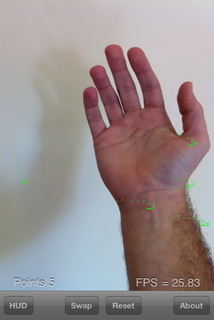
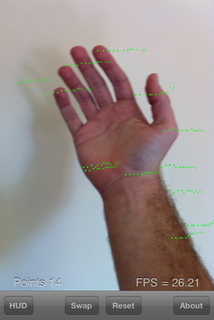
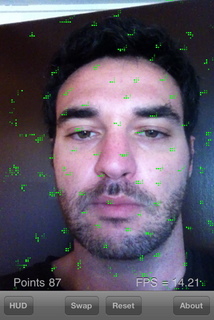
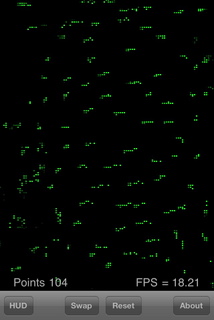
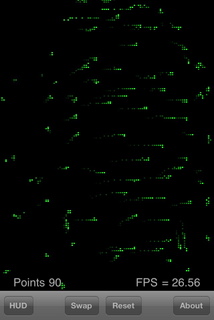
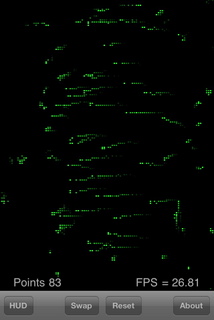
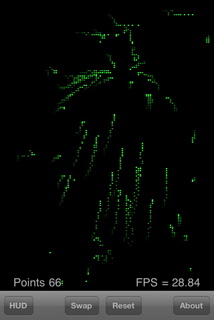
* See tracked points, with or without showing movement trails.
* Control various parameters to affect the algorithm - window size, pyramid level, down sample, camera preset and more!
Some configurations achieve a brilliant 30 FPS, with great looking results. We present the improvements and optimizations done in our forums
here
.
The app is now available on the AppStore:
Licensing
Opposed to our
FAST Corner V2.0
, we are offering this project source code free for all commercial or non-commercial use. We will try a donation system this time, so please think of us if we've helped you. (Frankly, we just want to see which method is better for us :) )
Source-code for
Lucas Kanade Optical Phone for the iPhone
can be
downloaded here
.
Please consider donating if this project has helped you:
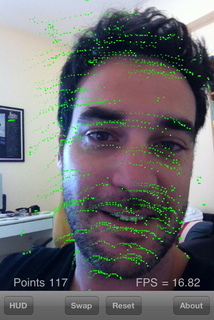
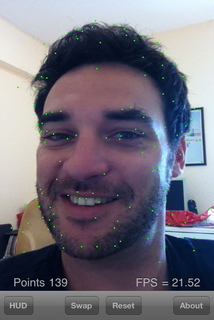
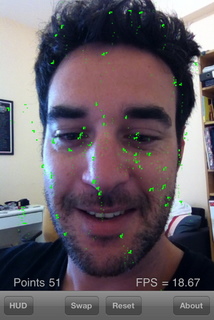
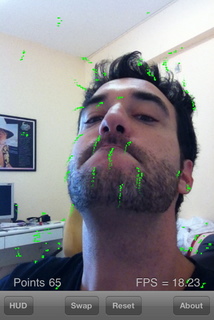
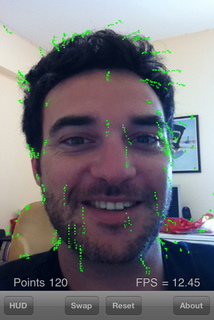
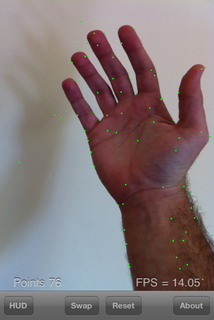
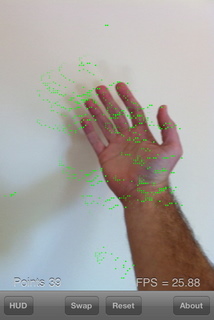
Below are some example screenshots of the app. Soon we'll feature some movies too!